
Aspect Ratio
The aspect ratio of a photo is the ratio of its width to its height. Most system cameras and a good number of mirrorless models create photos that are 3:2 (so that there are 50% more pixels along the long edge than the shorter edge). This matches the shape of 35mm film, which is a slightly long rectangle. Micro Four Thirds cameras are the exception to the rule when it comes to system cameras, and have an aspect ratio of 4:3, which is a slightly squarer rectangle. (Compact cameras and camera phones often have a similar aspect ratio too.)
However, just because the sensor in your camera is a particular shape does not mean you have to shoot images exclusively this way. Select JPEG and you can also choose other image aspect ratios too, typically either 16:9, 4:3 (or 3:2 on a Micro Four Thirds camera), 4:5, or 1:1. (Some cameras will allow you to change aspect ratio when shooting Raw, but not all.)
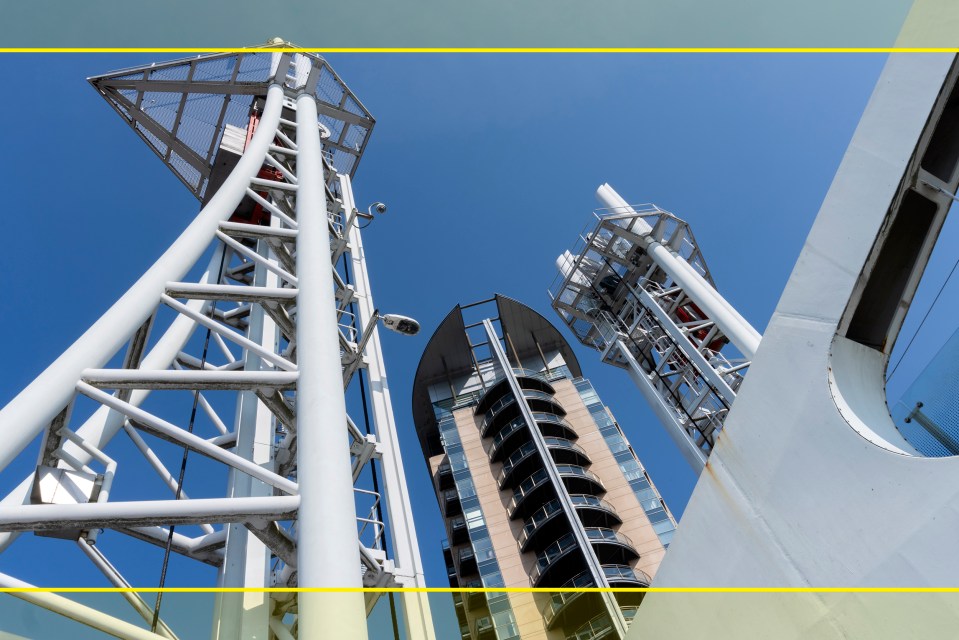
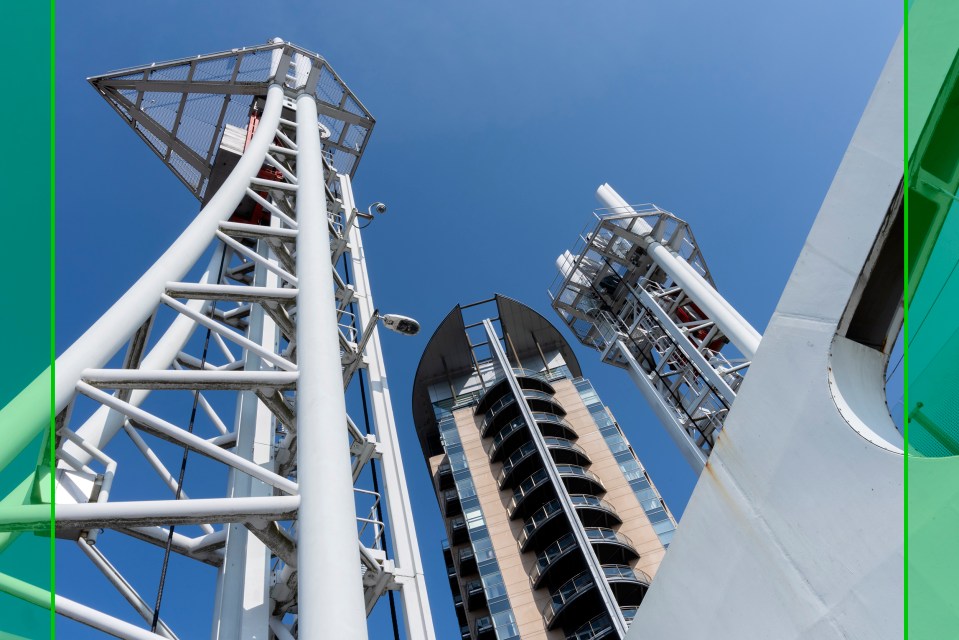
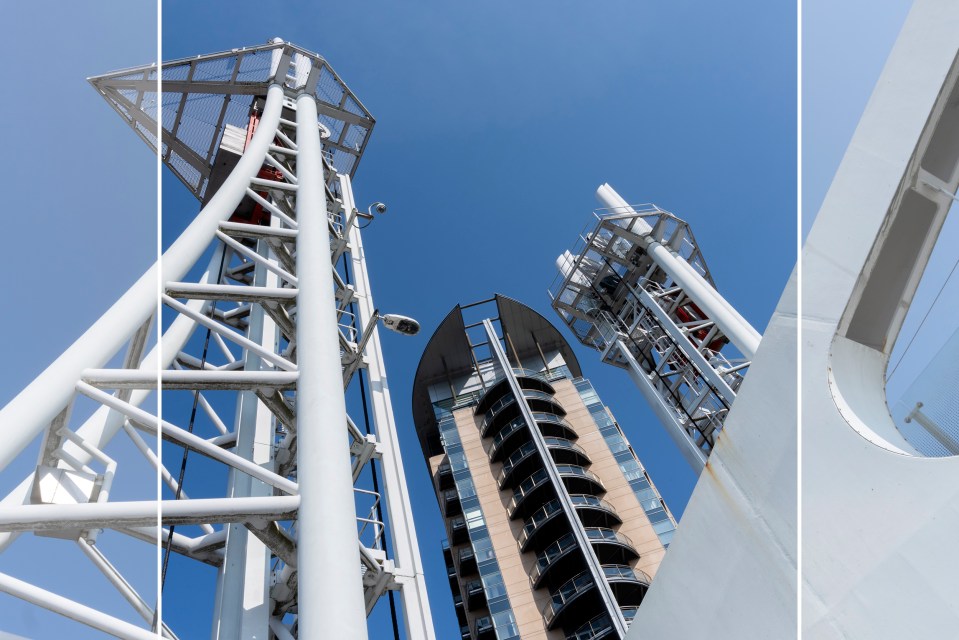
Should you select a different aspect ratio? Again, the choice is yours and you should do so if it will make a stronger, more pleasing shot. The downside to selecting a different aspect ratio is that there is no going back. There is a good argument to be made for shooting at the native aspect ratio of your camera and then cropping in post-production. If you do not like the new shape at least you can undo it at that point.