
File Formats
Go to the Shooting menu of your camera and you will be offered the choice of saving your images either as JPEG or Raw file (at least on DSLRs, mirrrorless and some compact cameras – camera phones and lower specification compact cameras only shoot in JPEG). Which of those two options do you choose and why? Both file formats have strengths and weaknesses so there is no clear cut answer. A lot depends on your style of shooting, and your attitude to the idea of post-production. Happily, you do not necessarily have to choose one or the other. Cameras generally let you select both Raw + JPEG as well as both individually. This gives you more choice later, though at the expense of filling your memory card more quickly.
JPEG
A JPEG is a compressed file format, compatible with virtually every application into which you can add images. This includes (but is not limited to) image-editing software, presentation packages such as PowerPoint, as well as word processing software such as Word. (Or Keynote and Pages respectively if you use a Mac.) JPEG is also the standard file format used to display images on the Internet.
JPEG files are compressed, which means that they take up less space on your camera’s memory card or your PC’s hard drive. Unfortunately, the compression applied throws away fine detail. The level of this loss is determined by a setting on your camera. When you select JPEG you are typically given two or three options. The highest quality setting (Fine or even Extra Fine) will compress the file less, and so take up more space, but will lose the least amount of detail. The lowest quality option (Normal or Standard), will let you save more photos to the memory card, but these will be marginally less detailed.
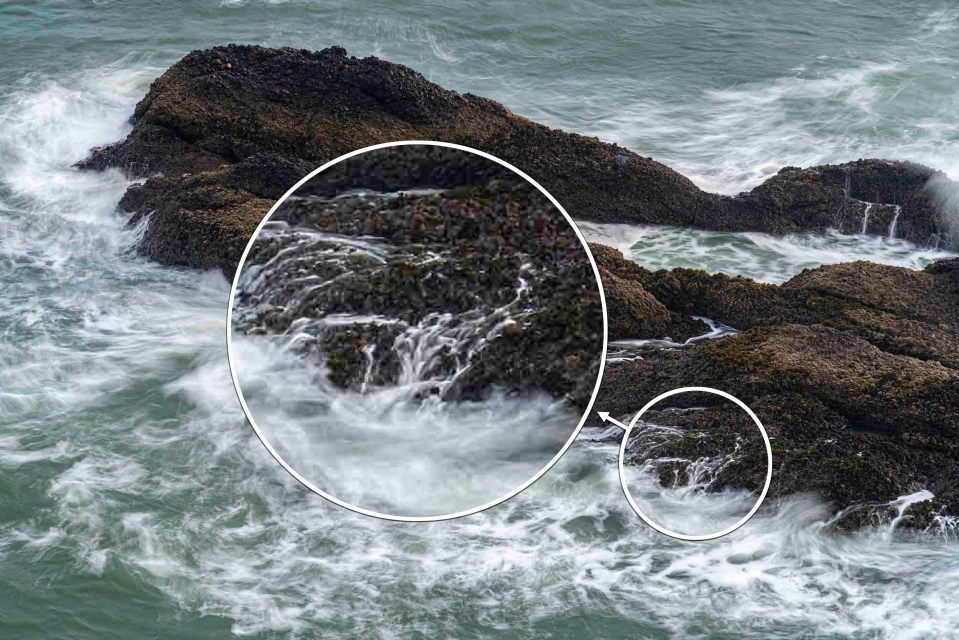
A JPEG image is processed by your camera. The settings you or your camera selected, such as White Balance (lesson seven), are applied and essentially ‘baked’ in. This means that it is trickier to undo these settings later in post-production, at least not without losing some image quality.
With this in mind, there are a number of camera settings that you should check and alter if need be before you shoot. The most important of which is exposure. Although it is not a good idea to over or underexpose an image when shooting with Raw, there is at least more latitude for correction than when shooting JPEG. With JPEG, once highlight or shadow detail is lost then it is gone for good. With a Raw file there is a possibility of at least recovering some of that detail. Other settings to consider altering are White Balance, lens corrections, picture parameters and any highlight and shadow control options. (see below)
Raw
A Raw file is basically a package containing all the image data captured by the camera when you pressed the shutter button down. However, unlike JPEG, you can only open this ‘package’ in software designed specifically for that purpose. This includes graphic-editing software such as Adobe Photoshop, as well as Raw-editing software such as Capture One Pro. Raw files cannot be opened or used in software such a PowerPoint or Word. To use your Raw photos in other software you first have to process them and then export them to a more useful format, such as JPEG.
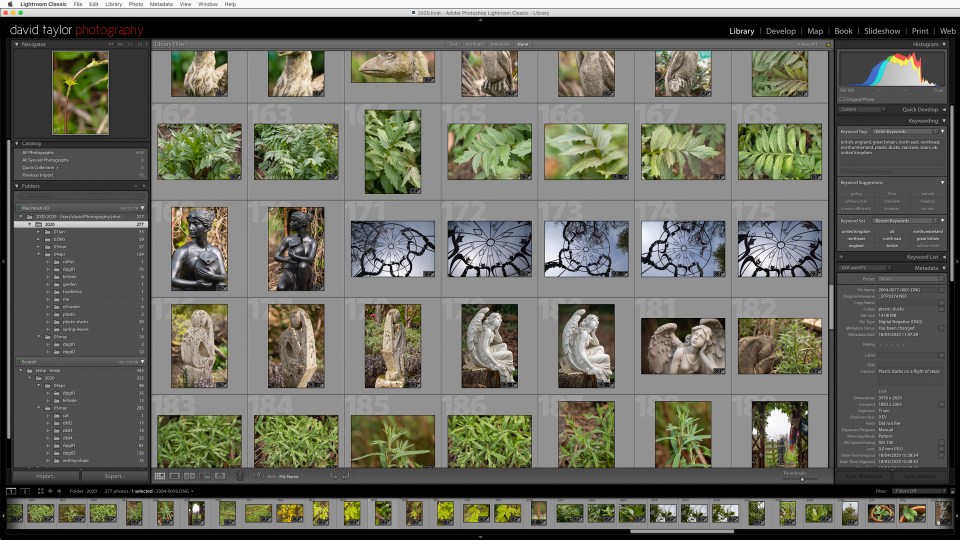
At this point you could be forgiven for thinking that this is a waste of time. Why add an extra step into your photography when you could just shoot JPEG in the first place? It is a good question, the answer to which is: control. Shooting Raw gives you more freedom to alter and refine your photos than JPEG ever could. You are free to alter aspects of your photos such as White Balance and the picture parameters (see below) as often as you want and all without losing image quality. Try the same with a JPEG and the image would quickly deteriorate. This means that you can unpick many of the settings that were applied at the time of shooting, in favour of new settings. However, although this means that you are more ‘free’ to make mistakes and correct them afterwards, there is a lot to be said for getting things as right in-camera as possible.
You never actually physically alter the Raw file data once it is saved to your PC. Instead, any adjustments you make are stored in the same folder as the Raw as an .XMP ‘sidecar’ file. This is essentially a list of the adjustments you made to the Raw file that can be read by the editing software at a later date. If you edit the Raw file again, the .XMP file is updated accordingly. (Be careful though, if you delete the .XMP file you will lose your adjustments and have to start again from scratch.)
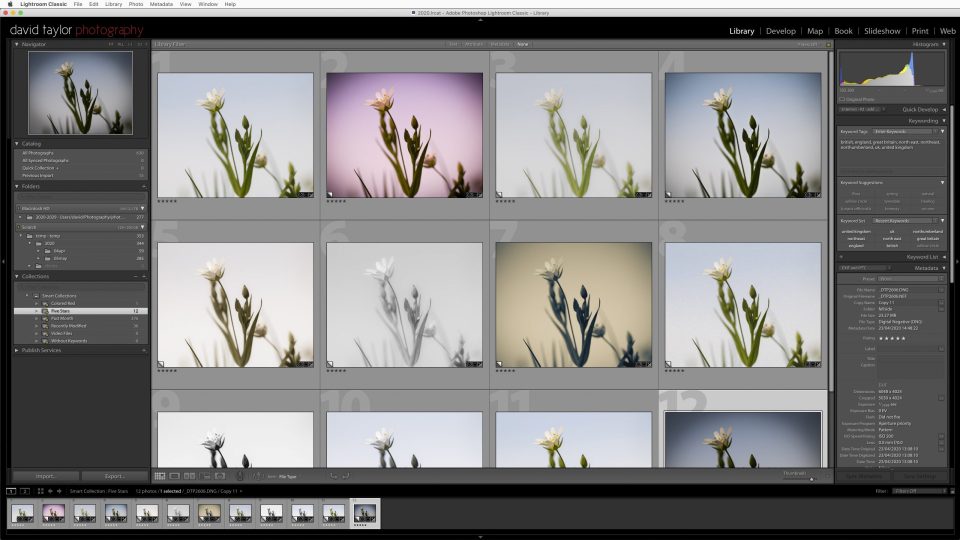
Some Raw software, notably Adobe Lightroom, goes one step further. Rather than save multiple .XMP files for your various Raw files, any adjustments you make are stored in one huge database. The principle is the same as .XMP files, just achieved in a different way. With Lightroom you can even create ‘virtual’ versions of your Raw files, so that you can make as many variations of the same photo as you desire.
Raw files are also compressed to maximise space on a memory card. Unlike JPEG however, Raw compression does not generally throw away image information. The compression is known as lossless for this reason. Despite this compression, Raw files typically take up 2-3 times the space as an equivalent JPEG.