
Global or Local Adjustment?
Once you have imported your photos (and have carefully organised them!) you can then begin to adjust and polish them. There are two ways to adjust a photo: globally or locally. A global adjustment is an alteration that affects an entire photo. This can include altering the photo’s white balance, or by applying a lens correction. When you make a local adjustment you only target a particular area of the photo. Local adjustments include tasks such as cloning out blemishes, or lightening only the shadows. (Some adjustments, such as white balance correction, can be made both globally and locally, so there is overlap.)
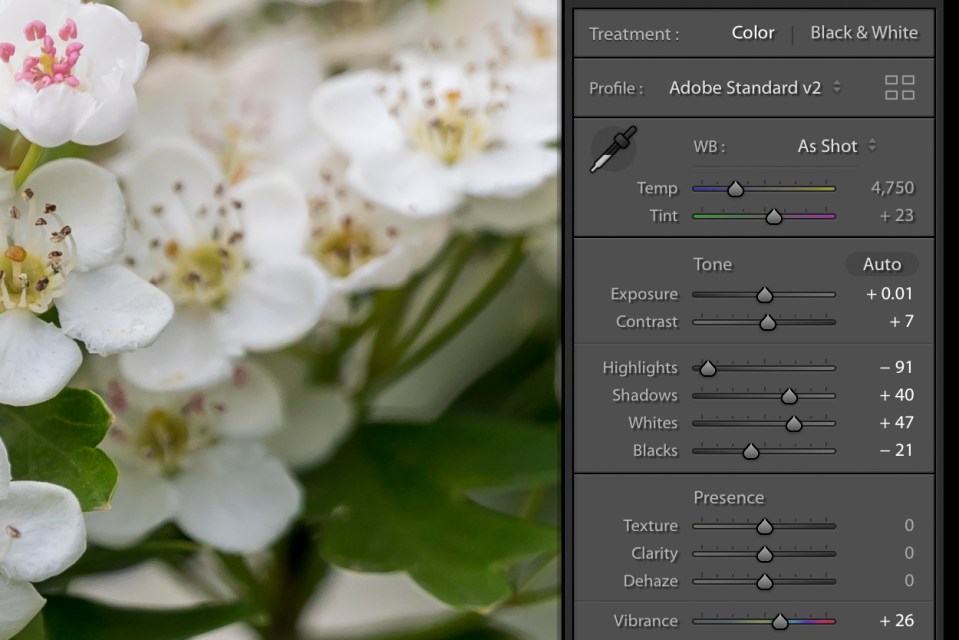
Generally, you apply any necessary global adjustments first, before starting on the localised corrections. However, each image is different and there may be times when it is easier to start on local corrections first. The important thing is to think through corrections so that you do not cancel out early adjustments by later ones.