Importing
If you use a compact, bridge or system camera you will first need to import your photos to a PC or Mac. This can be done via a direct connection between your computer and camera, or by using a memory card reader. There is a lot to be said for using a memory card reader, even though there are extra steps compared to a direct camera-computer connection.
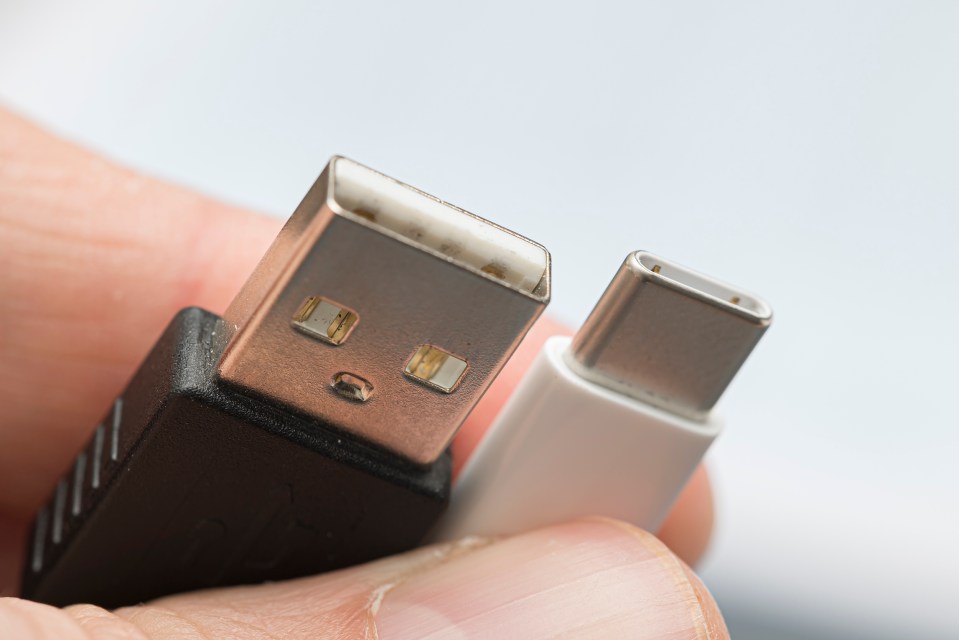
The USB connection on cameras are rarely the most up-to-date technologically. However, new memory card readers are more likely to use the latest standards, and will therefore be much faster at reading and writing data from the memory card. (Ultimately though, the limitation is not the camera or memory card but the read/write speed of the memory card, see lesson two.) The fastest current USB standard is USB 3.1. If your PC or Mac supports this standard then you should try to use a USB 3.1-compatible memory card reader if possible. (USB-C, which uses the core technology of USB 3.1 is likely to become an industry standard. Memory card readers that use USB-C – as well as PCs and Macs – are relatively rare but will ultimately be more future proof.)