
Drive Modes
A camera’s drive mode determines what happens when you press fully down on the shutter button to make a photo. The default option is typically Single shooting. This sets the camera to take one shot and then stop. If you want to take another shot you have to release the shutter button and press down again. This mode is ideal for static subjects, such as still-lives or landscape, it is not so good for subjects that move, such as children or when shooting at sporting events.
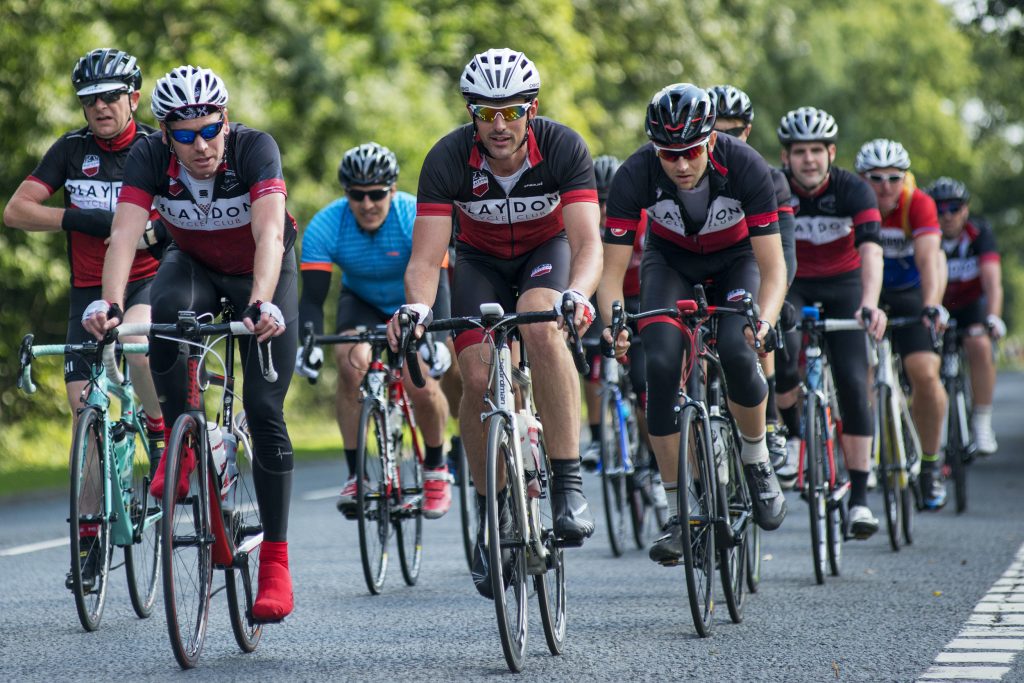
For moving subjects you would select Continuous shooting. With this option selected, the camera will fire a rapid sequence of images until you either release the shutter button or the frame buffer fills to capacity (see below). The rate at which a camera can shoot continuously is shown as a number of frames per second. The slowest cameras typically shoot at 3-5 frames per second, the speediest at 6-12. Shooting at a faster rate does mean that you are more likely to successfully capture a particular moment in time. However, it is also a very quick way to fill up your memory card!
Self-timer mode starts a countdown once you press the shutter button, with the shutter firing at the end of the countdown. The countdown by default is usual 2 seconds, though some camera also offer a choice of 5, 10 or even 20 seconds. Self-timer is most commonly used so that you have time to move in front of your camera for a self portrait (or to join a group of people.) For this reason, Self-timer works best when your camera is mounted to a tripod. You can also use Self-timer as a replacement for a remote release, so that you are not touching the camera when the shutter fires , reducing the risk of camera shake.
Camera Buffer
When a shot is fired it is not immediately saved to the memory card, it first goes to the camera buffer. This is memory inside the camera itself, used as a temporary storage area for photos until they have been written to the memory card. The camera can store of number of photos in the buffer but eventually it will fill, particularly if you use Continuous shooting too enthusiastically, or if you shoot Raw+JPEG (increasing the amount of image data that has to be written to the memory card).
Once the buffer fills the camera will not allow you continue shooting until the buffer is at least partially cleared. It can take a few seconds for the buffer to clear so do not turn off your camera until the memory card read/write light has stopped flashing.) The quicker the write time of the memory card, the quicker the buffer can be cleared.